
Audio
Download Audio from Any Public Instagram Reel
Extract the available audio from a public Instagram Reel and download it for listening or reference.

Reel
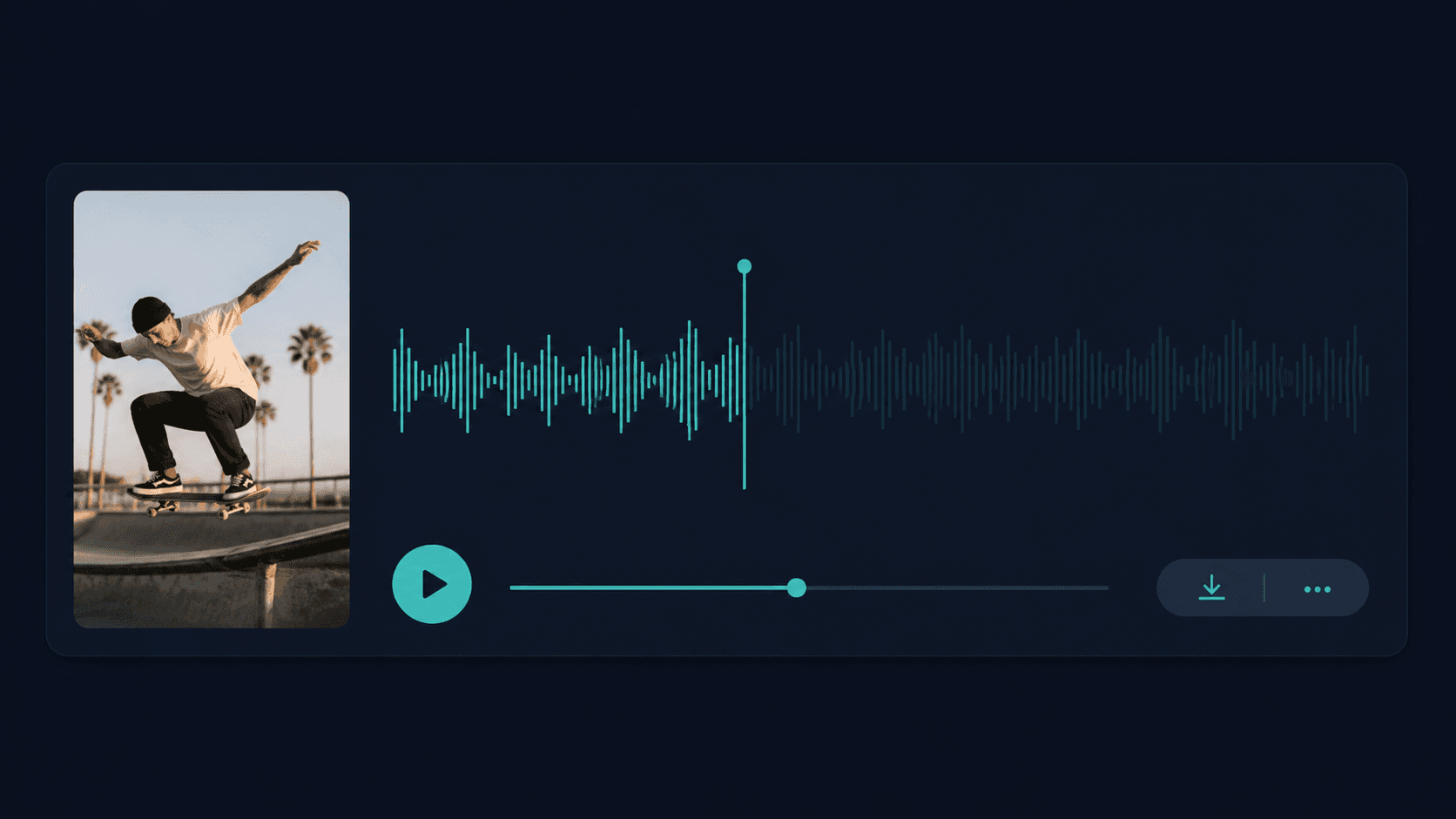
Audio
How It Works
From Reel URL to audio in 3 steps
Paste a public Reel URL, check for available audio, then listen or download when it is ready.
Step 1
Paste the Reel URL
Use a public Instagram Reel link.
Step 2
We check for available audio
We check for usable media and prepare the available audio.
Step 3
Listen or download
Preview or download the audio when it is available.
Why download the audio?
Listen to the Reel without replaying the video
Sometimes the part you want to reference is the sound itself. Download the available audio from a public Instagram Reel when you want to listen more closely to voiceover delivery, music, pauses, pacing, or other sounds without replaying the full video.
Audio reference
What you can listen for in Reel audio
The audio can include voiceover, music, ambient sound, or a combination of everything audible in the Reel. ViralSnap does not automatically identify or separate those elements.
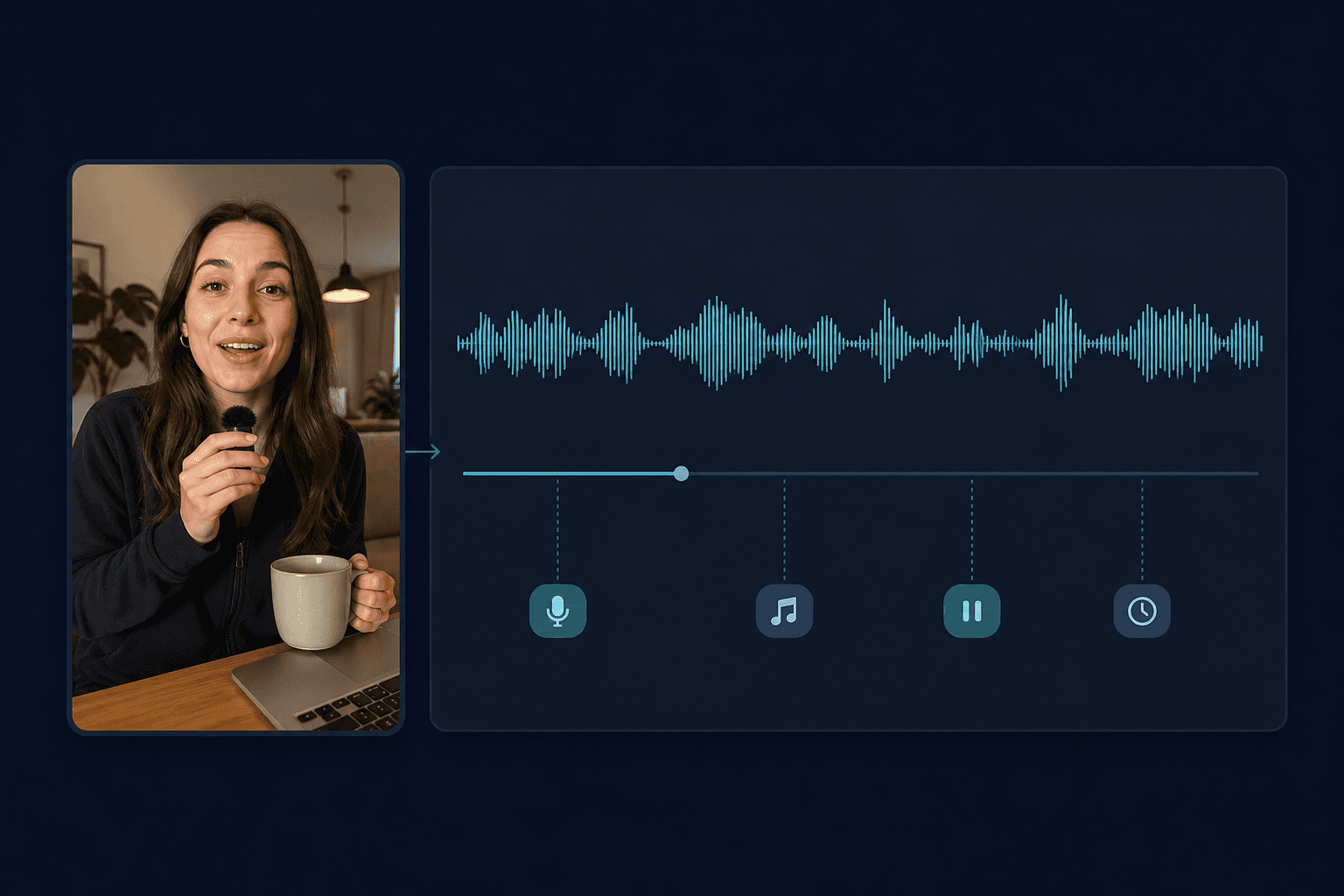
Voiceover
Listen for delivery, tone, and emphasis.
Music
Listen for how music supports the Reel.
Pauses
Listen for silence and breathing room.
Pacing
Listen to how quickly the audio moves.
Reel URL to audio
What you get
Paste a public Instagram Reel URL. When usable audio is available, ViralSnap prepares it so you can listen or download it separately from the video. The audio may include music, voiceover, ambient sound, or a combination, depending on the Reel.
Example input
Public Instagram Reel URL
Available audio depends on the source media.
Choose the right output
Audio, video, or text?
Audio
Audio Downloader
Listen to or save the sound separately from the video.
Full video
Reels Downloader
Keep motion, visual sequence, on-screen content, pacing, and available audio together.
Transcript
Reels to Text
Read the spoken words as text instead of downloading an audio file.
Limits and availability
Good to know
Public URLs only
Designed for supported public Instagram Reel URLs.
Availability varies
Private, removed, restricted, unsupported, or unavailable Reels may not return usable audio.
Audio may be mixed
The source may include voiceover, music, ambient sound, or multiple audio elements.
Source quality varies
Audio quality depends on the available source media and processing.
Related Tools
More Instagram creator tools
Move between audio, transcript, caption, and analysis workflows.
FAQ
How do I download audio from an Instagram Reel?
Paste a public Instagram Reel URL into ViralSnap and start the Audio Downloader. When usable audio is available, you can listen to or download the result.
What does the Instagram Audio Downloader download?
ViralSnap retrieves the audible track available from the Reel source media. It may contain voiceover, music, ambient sound, or a combination of those elements.
Does the downloaded audio include both voiceover and music?
It can. The tool returns the available audio from the source media rather than automatically separating voiceover, music, and other sounds into individual tracks.
Is Instagram Reel audio always downloaded as MP3?
Not necessarily. The available download format can depend on the source media and processing path, so ViralSnap does not guarantee the same audio format for every Reel.
Can I download audio from a private Instagram Reel?
No. This tool is intended for supported public Instagram Reel URLs. Private, removed, restricted, or unavailable Reels may not return usable audio.
Why is audio unavailable for some Instagram Reels?
Audio may be unavailable when the Reel is private, removed, restricted, unsupported, or when usable source media cannot currently be retrieved.
Should I use Audio Downloader or Reels to Text?
Use Audio Downloader when you want to listen to or save the sound itself. Use Reels to Text when you need spoken words converted into readable text.
Ready to grab the audio?
Paste a public Instagram Reel URL and get the available audio when one can be retrieved.