
Reels
Download Instagram Reels Videos
Paste a supported public Instagram Reel URL to download the available video as an MP4 file. Save the full Reel reference, then study its visuals, pacing, and structure.
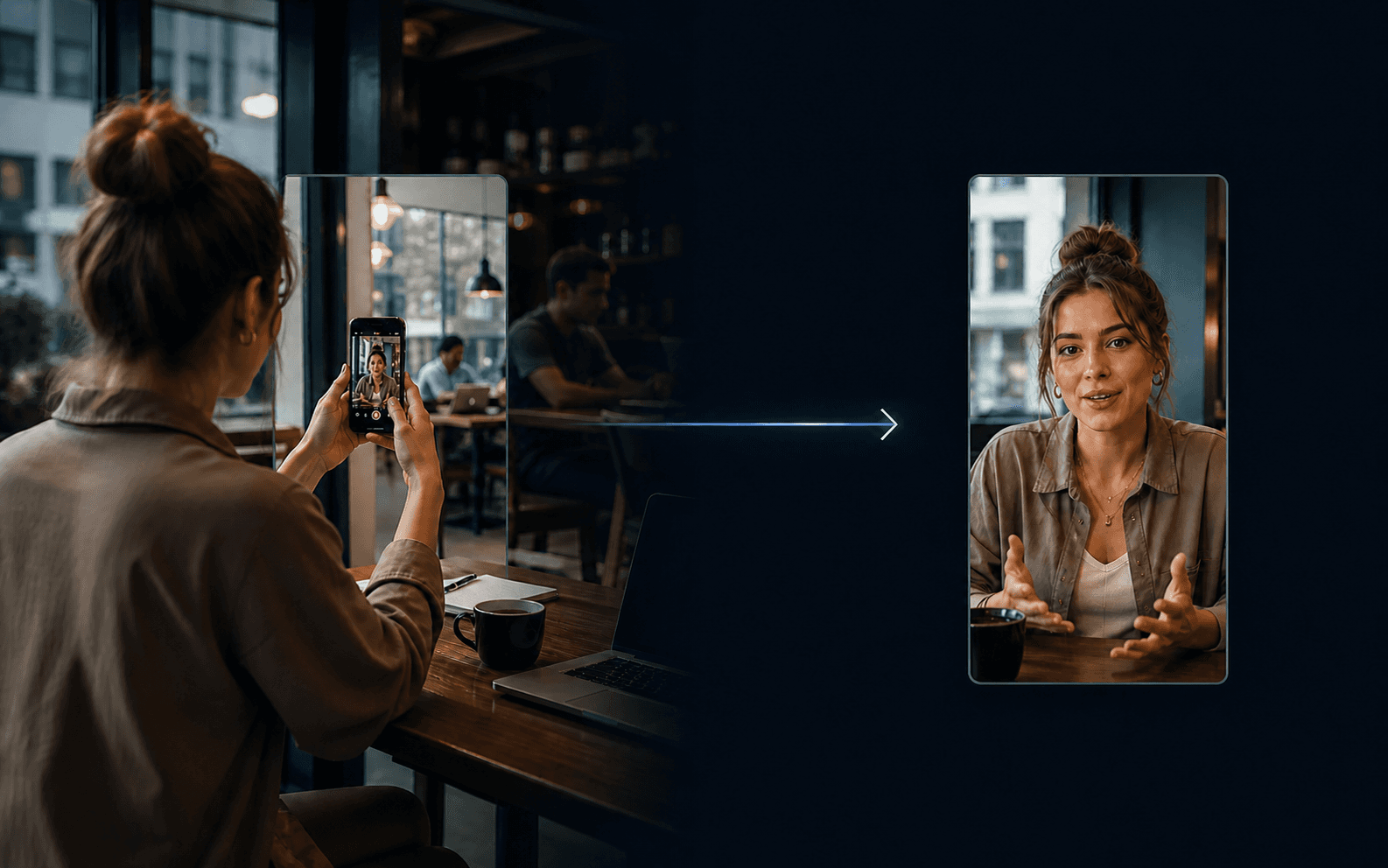
How It Works
How to Download an Instagram Reel
Copy a supported public Reel URL, paste it into ViralSnap, and download the available video when media resolves.
Step 1
Copy Instagram Reel URL
Use a supported public Instagram Reel link.
Step 2
Paste the URL
ViralSnap checks for usable video media from the source.
Step 3
Download the available Reel video
Download the available MP4 when video media resolves.
Why download the full Reel?
Keep the motion, sequence, and sound together
The full Reel keeps the motion, visual sequence, on-screen content, pacing, and available audio together. That makes it useful when you want the complete reference instead of only the caption, thumbnail, transcript, or audio.
Reel URL to video
Instagram Reel URL → Video Download
When a usable video URL resolves, ViralSnap prepares an MP4 download. Video availability depends on the public source and resolver result.
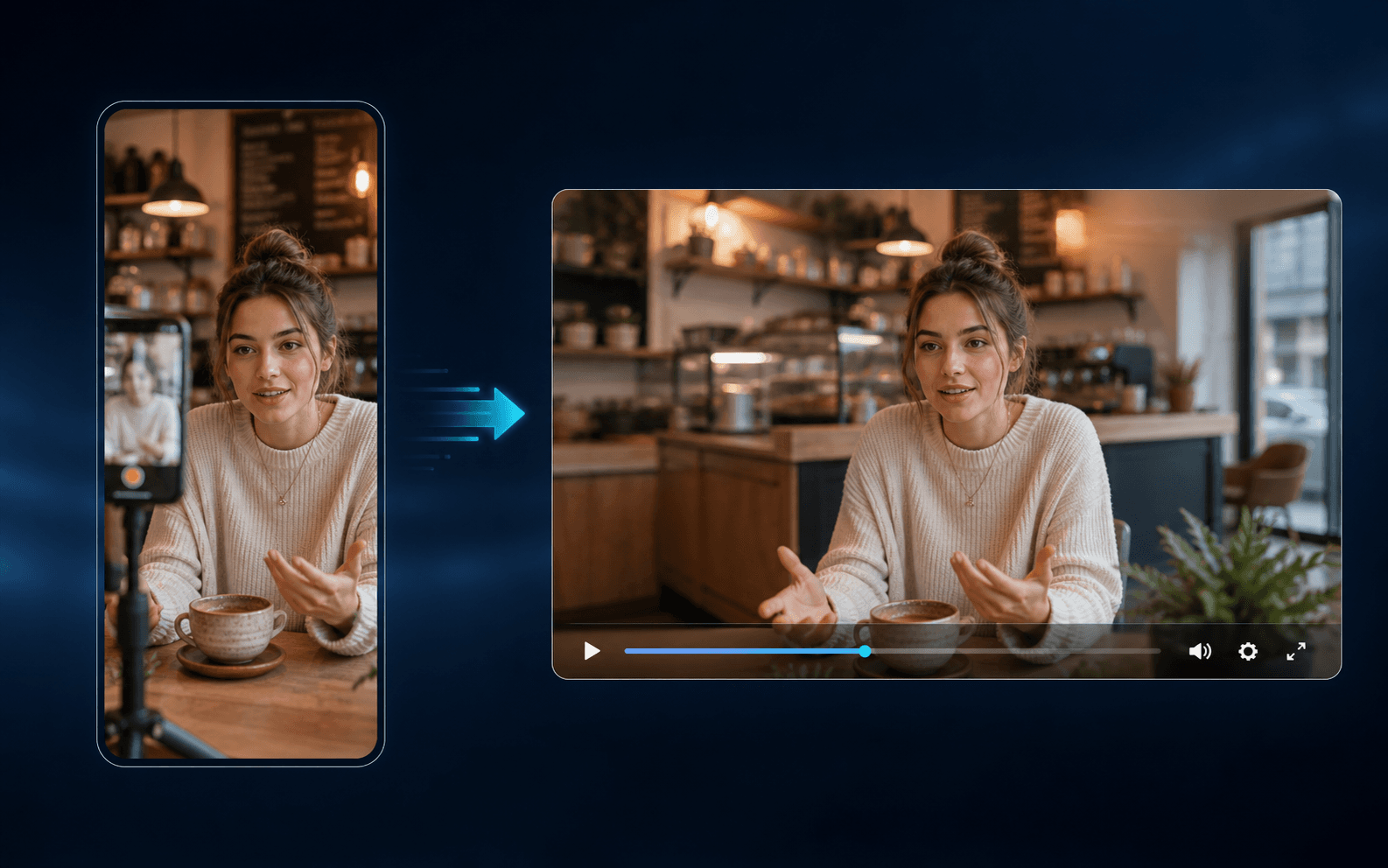
Available outputs
What You Get
Available video
Download the available Reel video as an MP4 file.
Optional thumbnail
Save the available cover image when the source provides one.
Optional audio
Access available Reel audio separately when supported.
Source context
Review available source information associated with the Reel.
Choose the right output
Choose the Instagram output you actually need
The same public Reel can provide different kinds of reference material. Choose the output that matches your next task.
Full Reel
Reels Downloader
Motion, visual sequence, on-screen content, pacing, and available audio together.
Audio
Audio Downloader
The available sound separated from the video.
Caption
Caption Downloader
The creator-written text attached to the post or Reel.
Transcript
Reels to Text
Spoken words converted into editable text.
Thumbnail
Thumbnail Downloader
The Reel cover image used as a visual reference.
Good to know
Good to Know Before You Download
Supported public URLs
Works with supported public Instagram URLs when usable media is available.
Availability varies
Private, removed, restricted, unsupported, or unavailable content may fail.
Video availability varies
Some sources may not expose usable video, thumbnail, or audio media.
Source quality varies
Output quality depends on the available source media and processing path.
Related Tools
More Instagram Creator Tools
Move between reels, transcript, caption, and audio workflows.
Instagram Caption Downloader
Pull the caption text for faster research.
Instagram Reel Transcript
Turn spoken content into editable text.
Instagram Thumbnail Downloader
Capture the cover image and first impression.
Instagram Audio Downloader
Study pacing, sound, and voiceover.
Instagram Photo Downloader
Save image references from public posts.
FAQ
How do I download an Instagram Reel?
Paste a supported public Instagram Reel URL into ViralSnap. When usable video media resolves, you can download the available Reel video.
What Instagram URLs does ViralSnap support?
ViralSnap works with supported public Instagram URLs when usable video media is available. Reel URLs are the primary use case for this page.
Can I download a private Instagram Reel?
Private-content support is not established. Private, restricted, removed, or unavailable Reels may not return downloadable media.
What format is the downloaded Reel?
When usable video media is available, ViralSnap provides the video download as an MP4 file.
Does ViralSnap guarantee HD or original quality?
No. ViralSnap does not guarantee HD, original, or highest-available quality. Output depends on the available source media and processing path.
Does ViralSnap remove the Instagram watermark?
ViralSnap does not promise watermark removal. It returns available media and does not guarantee a watermark-free result.
Why can’t some Instagram Reels be downloaded?
A Reel may be private, removed, restricted, unsupported, unavailable, or missing usable video media.
Ready to Download an Instagram Reel?
Paste a supported public Reel URL above and download the available video when it resolves.