
Instagram Reel Transcript
Get a Transcript from an Instagram Reel
Generate readable text from the spoken audio in a supported public Instagram Reel. Copy or download the transcript for research, script study, and AI analysis.
How It Works
How to Get an Instagram Reel Transcript
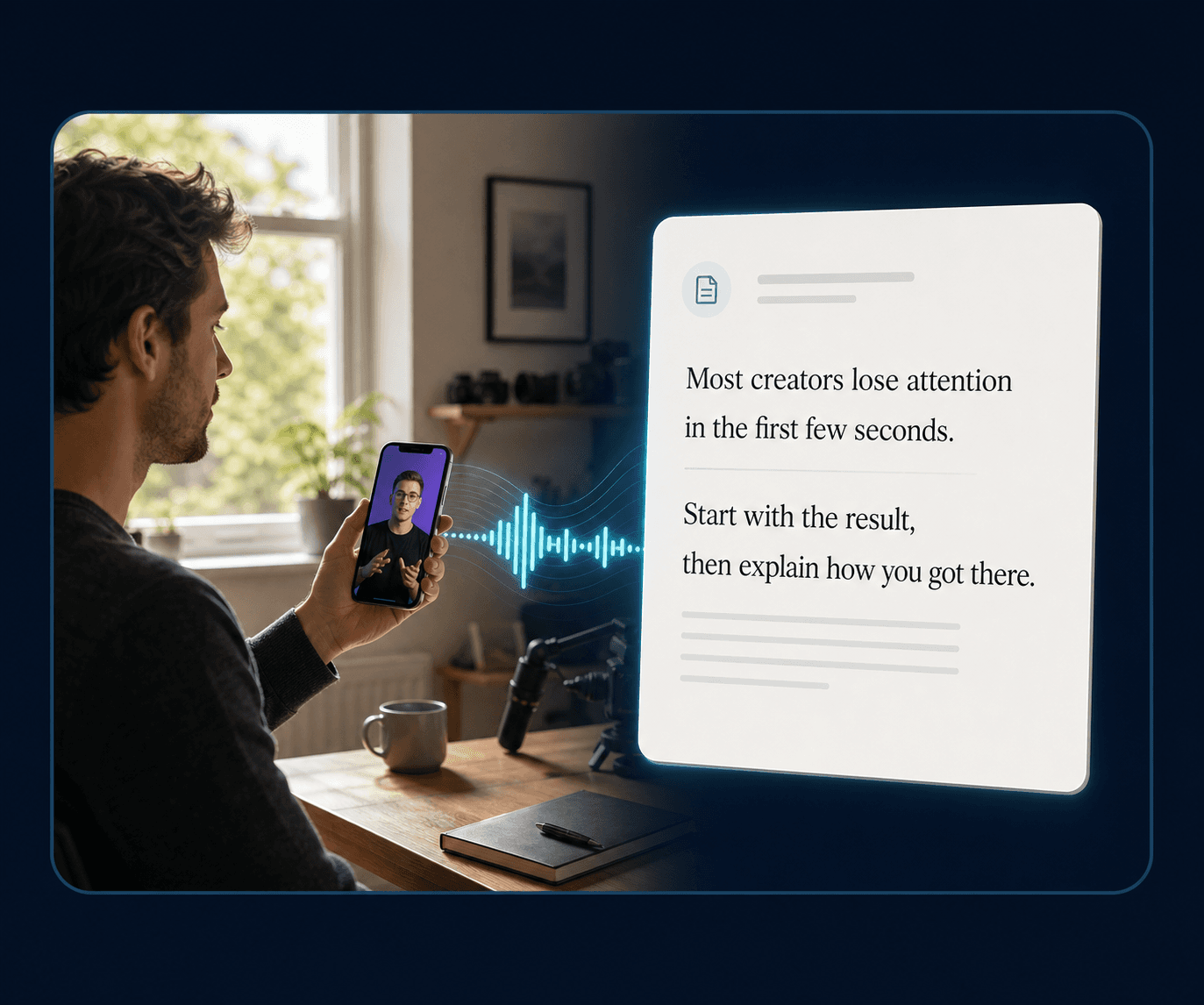
Paste a supported public Reel URL, let ViralSnap process the available audio, then copy or download the transcript when usable speech is available.
Step 1
Paste a supported public Reel URL
Use a supported public Instagram Reel link.
Step 2
Process the Reel’s available audio
ViralSnap prepares the Reel’s available audio for transcription.
Step 3
Copy or download the transcript
When recognizable speech can be transcribed, review, copy, or download the resulting text.
From Reel to text
Turn Spoken Reel Audio into Text
Reels to Text works from the Reel’s audio or extracted audio from the video. It attempts to convert recognizable speech into plain text. Music, ambient sound, unclear speech, or overlapping voices may produce no useful transcript.
Written vs spoken
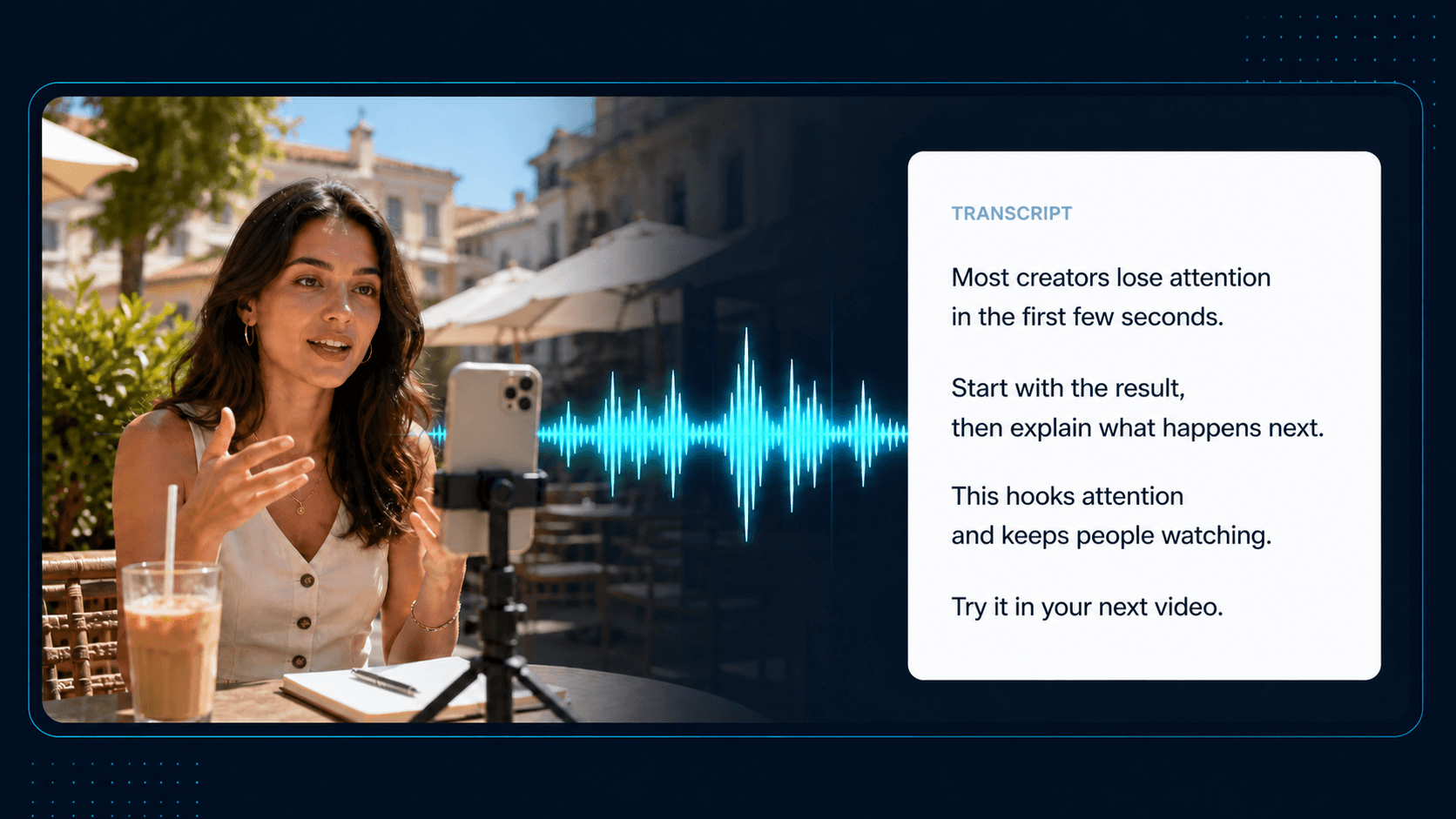
Transcript Is Not an Instagram Caption
An Instagram caption is written by the creator and attached to the post or Reel. A transcript is generated from words spoken in the Reel’s audio or video. ViralSnap never substitutes the caption, title, description, or other metadata for a transcript.
Need the written caption? → Caption Downloader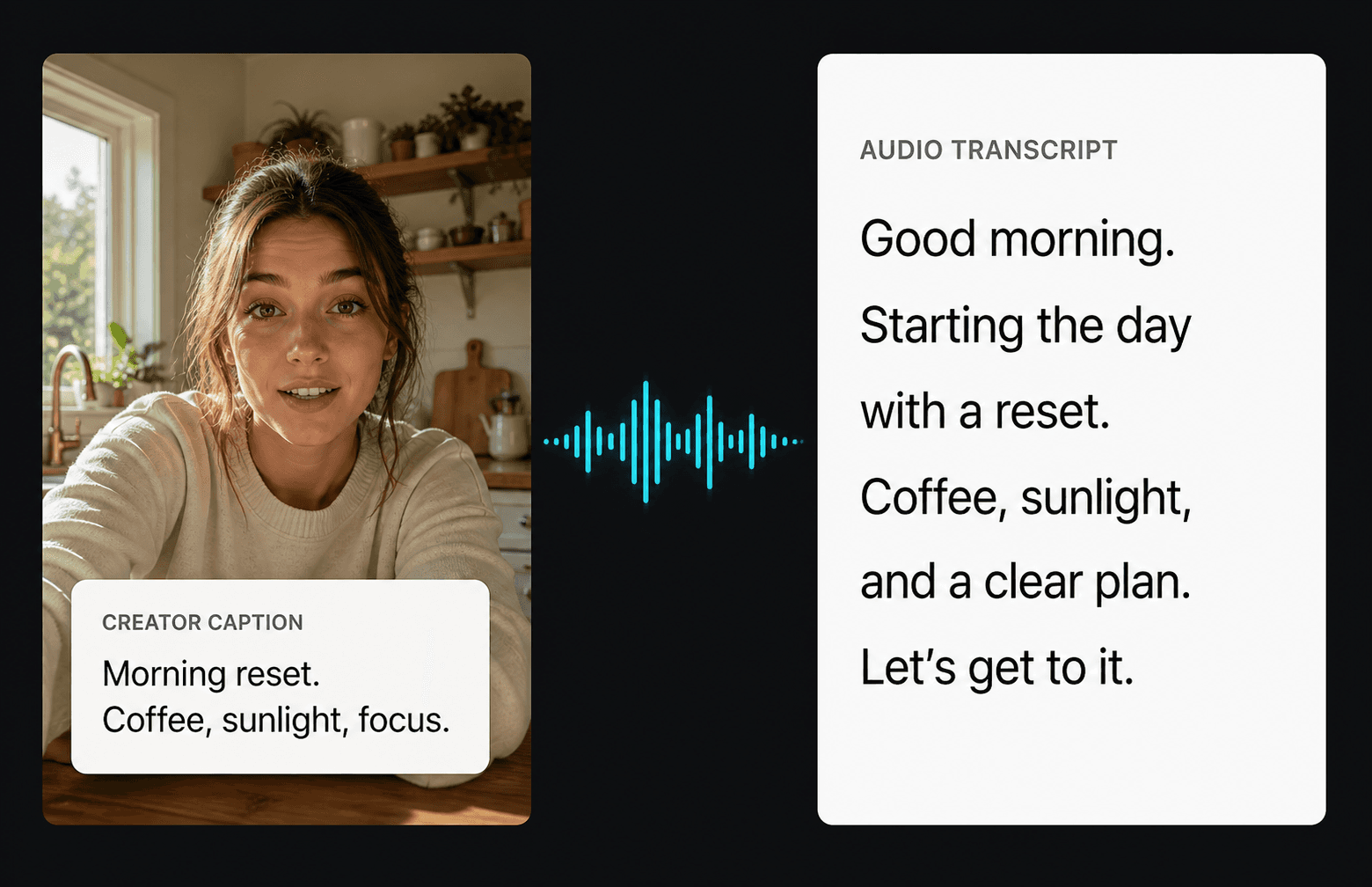
Text-first Reel research
What You Can Do with a Reel Transcript
Use the transcript as a readable reference for understanding spoken structure, delivery, and creative direction.
Review spoken hooks
Read the opening line without replaying the entire Reel.
Study script structure
Compare how the spoken idea moves from setup to payoff.
Keep spoken ideas in your notes
Copy the text into your research workspace for later review.
Compare spoken words with the caption
See how the voiceover and written post text differ.
Choose the right output
Choose the Instagram Output You Need
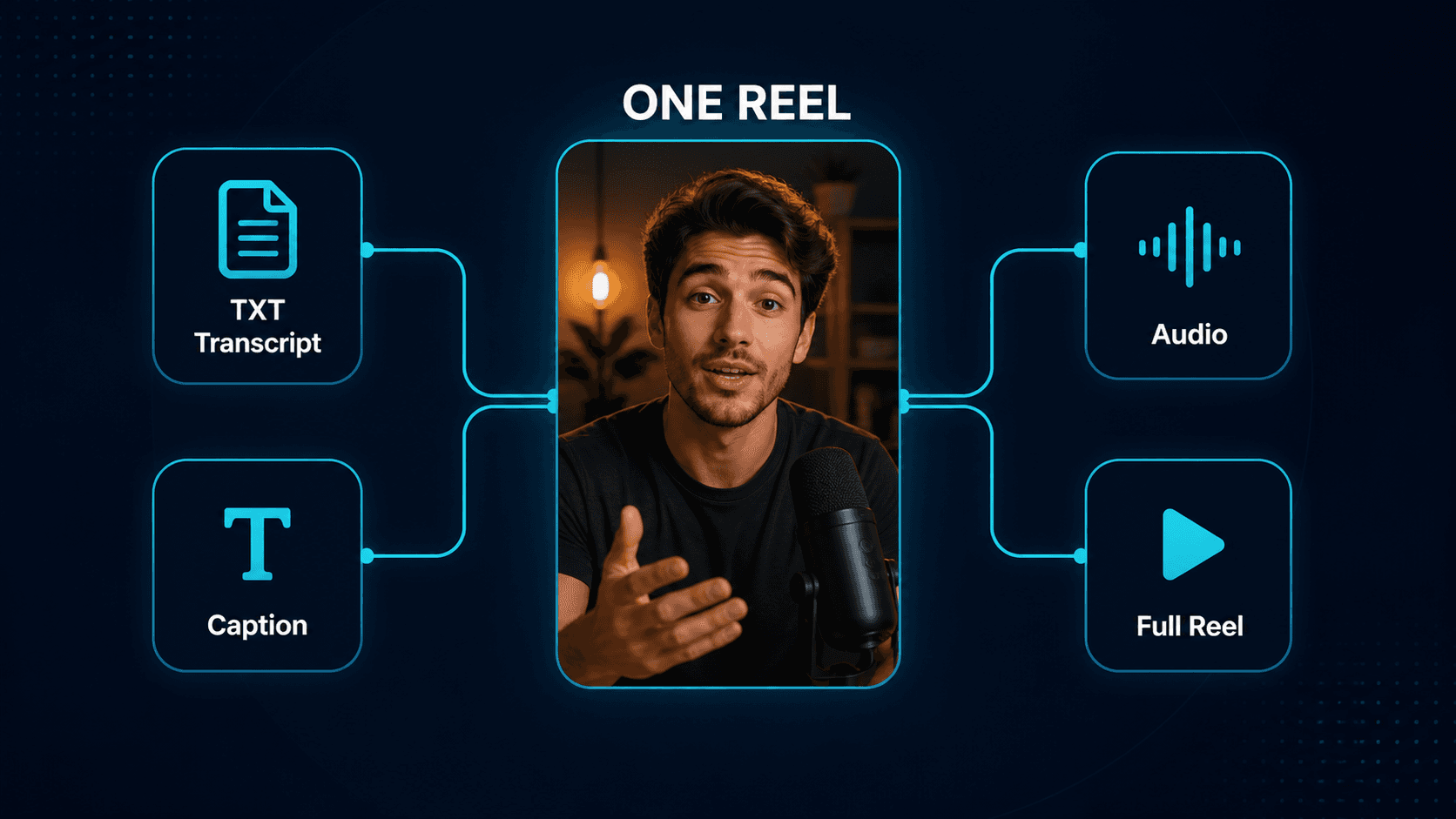
The same Reel can provide different types of reference material. Choose the output that matches what you need next.
Transcript
Reels to Text
Recognizable spoken words represented as plain text.
Caption
Caption Downloader
Text written by the creator and attached to the post or Reel.
Audio
Audio Downloader
The available audible track, including speech, music, and ambient sound.
Full Reel
Reels Downloader
Video, motion, pacing, on-screen content, and available audio together.
Limits and availability
Good to Know About Instagram Transcripts
Supported public Reels
Designed for supported public Instagram Reel URLs.
Speech availability varies
A Reel may contain audio without recognizable speech.
Music-only Reels
Music or ambient sound alone may produce no useful transcript.
Transcription quality varies
Language, speech clarity, noise, and overlapping voices can affect the result.
Plain text output
The current transcript does not include timestamps or speaker labels.
No caption fallback
Captions, descriptions, titles, and metadata are never substituted for transcript output.
Related Tools
More Instagram Creator Tools
Move between transcript, caption, audio, and analysis workflows.
Instagram Caption Downloader
Pull the caption text for faster research.
Instagram Audio Downloader
Study pacing, sound, and voiceover.
Instagram Reels Downloader
Save references for your content research.
Instagram Thumbnail Downloader
Capture the cover image and first impression.
Instagram Photo Downloader
Save image references from public posts.
FAQ
How do I get a transcript from an Instagram Reel?
Paste a supported public Instagram Reel URL into ViralSnap and select Generate Transcript. When usable spoken audio can be processed, the transcript appears as plain text.
What is an Instagram Reel transcript?
It is written text generated from recognizable words spoken in a Reel’s audio or video. It is different from the creator-written caption.
Is a Reel transcript the same as the Instagram caption?
No. The caption is written by the creator. The transcript comes from spoken content in the Reel’s audio or video.
Can ViralSnap transcribe every Instagram Reel?
No. The tool is designed for supported public Reel URLs, and availability depends on whether usable media and recognizable speech can be processed.
What happens if the Reel contains music but no speech?
The Reel may produce no transcript because music and ambient sound are not the same as recognizable spoken content.
Does ViralSnap use the Instagram caption when speech cannot be transcribed?
No. Captions, descriptions, titles, and other metadata are never presented as transcript output. If speech cannot be transcribed, the transcript remains unavailable.
Can I copy or download the transcript?
Yes. When a transcript is available, you can copy the plain text or download it as a TXT file.
Does the transcript include timestamps or speaker labels?
No. The current output is normalized plain text without timestamps or automatic speaker labels.
Ready to turn references into better scripts?
Paste a supported public Reel URL and generate readable text from its spoken content when transcription is available.