
Thumbnail
Get the Cover Image from Any Public Instagram Reel
Paste a public Instagram Reel URL to download its available thumbnail or cover image.
How it works
From Reel URL to cover image in 3 steps
Short path, clear output, no extra workflow to learn.
01
Paste the Reel URL
Use a public Instagram Reel link.
02
We check availability
We check whether a cover image is available for the public Reel.
03
Preview or download
Preview or download the cover image when one is available.
Cover reference
What you can observe from a Reel cover
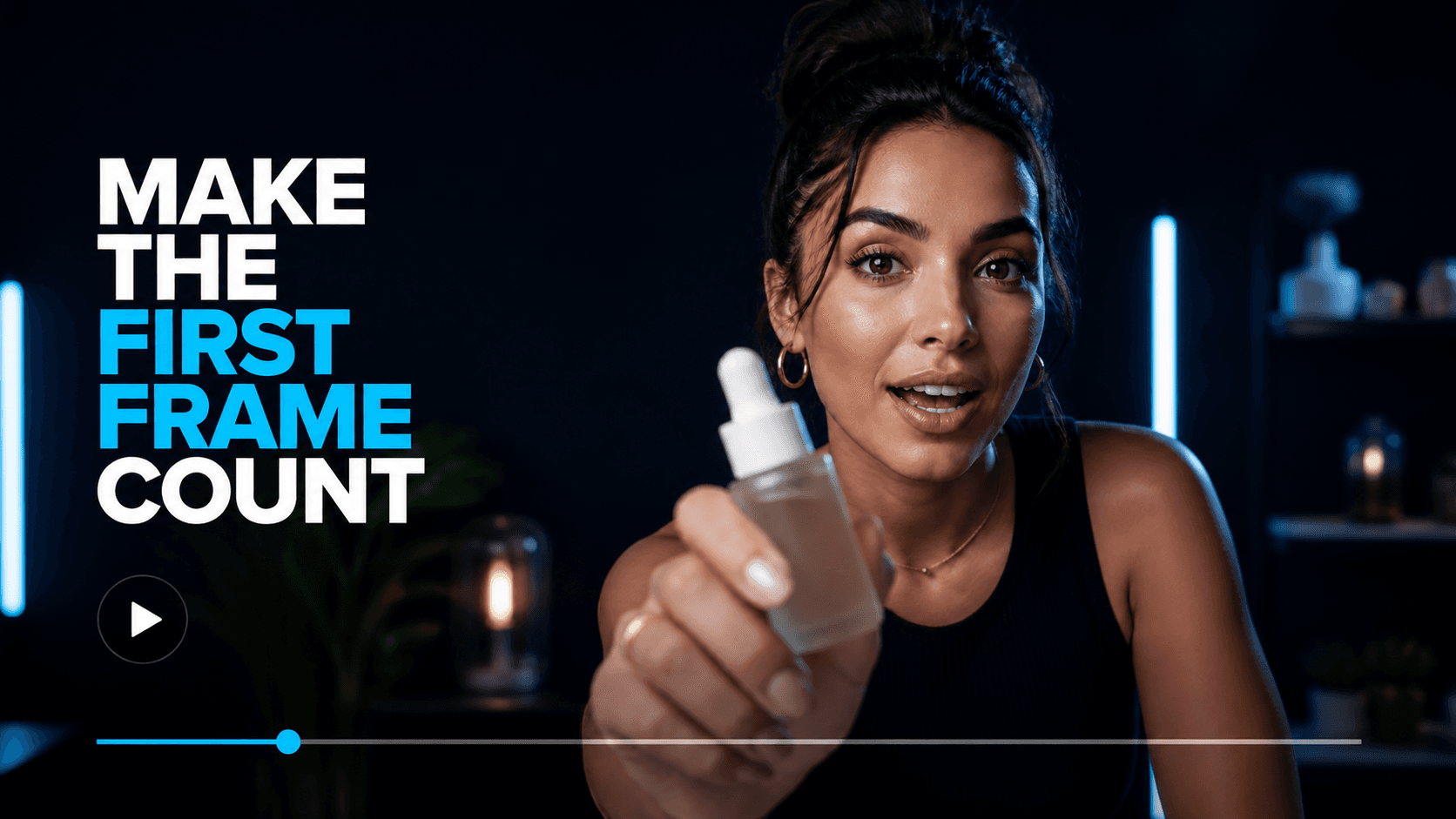
The downloaded cover is a visual reference. You can notice how the frame is composed before the Reel starts playing.

Framing
Notice the crop, spacing, and balance.
Text placement
See where readable text appears in the frame.
Subject position
See where the main subject is positioned.
Visual hierarchy
Notice what draws attention first.
Resolved cover
Extracted thumbnail

Returned when a usable cover image is available.
Reel URL to cover image
What you get
Paste a public Instagram Reel URL. When a cover image is available, the tool retrieves it for you to preview or download.
Instagram Reel URL
Input is checked before the cover image is retrieved.
Output
Available cover image
Ready to preview or download when available.
Thumbnail vs Full Reel
Know which reference you need.
A thumbnail shows the Reel's first visual impression. Use the full Reel when you need to review motion, sequence, pacing, or available audio.
Thumbnail Downloader
Use the cover image to review framing, text placement, subject position, and visual hierarchy.
Reels Downloader
Use the complete video when you need to review sequence, pacing, and available audio.
Limits and availability
Good to know
Public URLs only
The tool accepts public Instagram URLs supported by the URL parser.
Availability varies
Some removed, private, unavailable, or unsupported Reels may not return a cover image.
Source quality varies
Image dimensions and quality depend on the available source media.
Continue the reference
Use the right output for the next question.
Three nearby workflows, kept intentionally secondary.
FAQ
How do I download an Instagram Reel thumbnail?
Paste a public Instagram Reel URL into the tool and select Get Thumbnail. When a cover image is available, you can preview or download it.
What is an Instagram Reel thumbnail downloader?
An Instagram Reel thumbnail downloader is a tool that retrieves the cover image associated with a public Reel URL. You can save the image for reference, research, or reviewing how the Reel is presented before playback.
Can I save an Instagram Reel cover image?
Yes. When a cover image is available for a supported public Reel, ViralSnap lets you preview and download it.
Is the Instagram thumbnail downloader free?
Yes. ViralSnap’s Instagram thumbnail downloader is free to use for supported public Instagram Reel URLs.
Can I download a thumbnail from a private Instagram Reel?
No. This tool is designed for public Instagram Reel URLs. Private, restricted, removed, or otherwise unavailable Reels may not return a cover image.
Why isn't an Instagram Reel thumbnail available?
A cover image may be unavailable if the Reel is private, removed, restricted, unsupported, or the image cannot currently be retrieved from the source.
Ready to grab a cover?
Paste a public Instagram Reel URL above and get the available cover image when one is available.