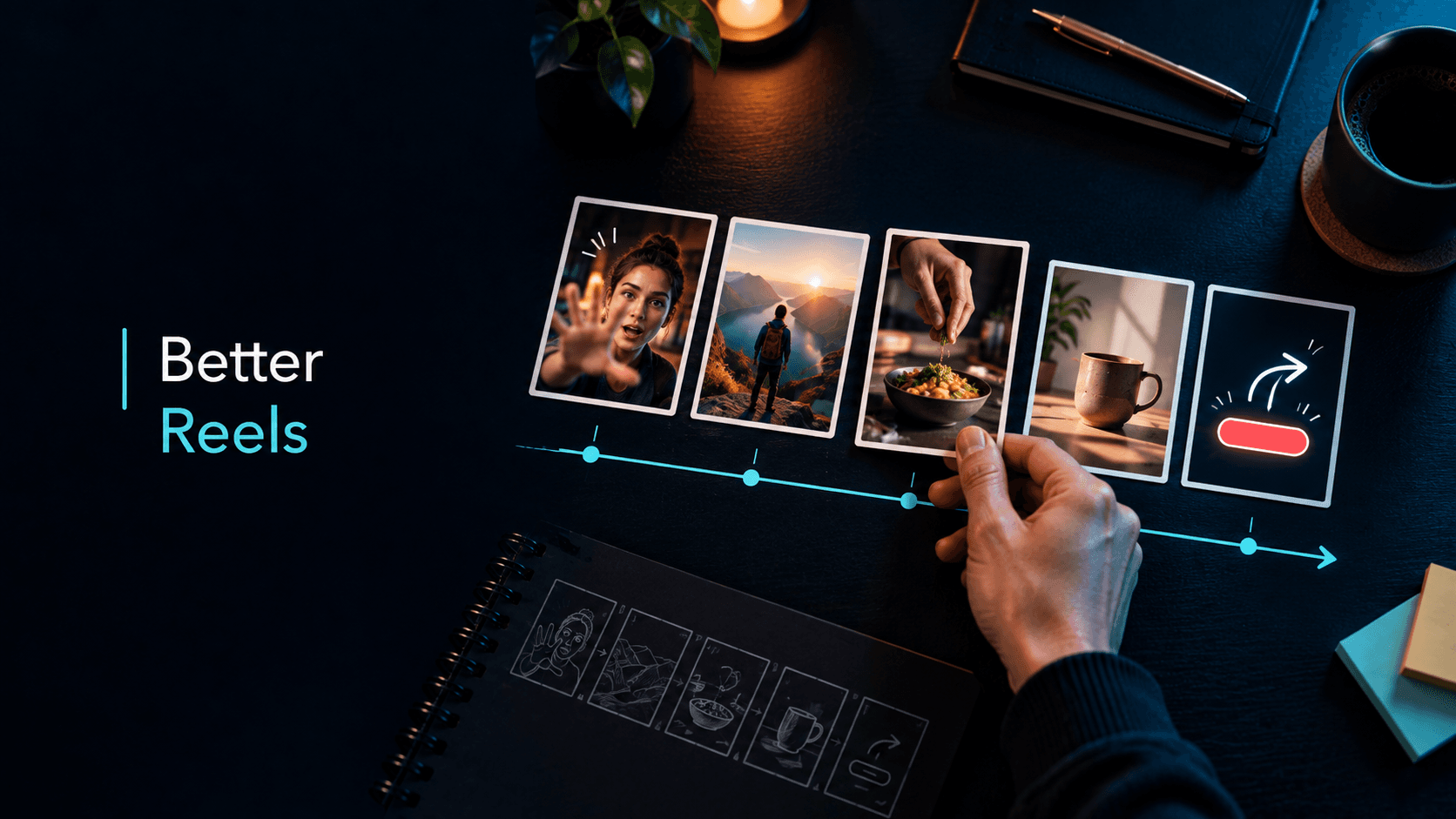
Reels Ideas: 30 Original Instagram Reel Concepts to Adapt
Reels Ideas: 30 Original Instagram Reel Concepts You Can Adapt
Use this practical system to turn audience situations, content pillars, and observable Reel patterns into original ideas you can brief, make, and review.
By ViralSnap Team•11 min read•Updated Sep 2026
When you search for Reels ideas, you will often find lists built around a sound, a fleeting trend, or a promise that one format will unlock reach. Those lists can be useful for a few minutes, but they are hard to reuse. Once the trend changes—or once you need an idea for a different audience—you are back at the beginning.
A more durable approach is to build ideas from a situation your audience recognizes, a useful tension, an observable action, and a clear next step. That gives you a starting point you can adapt to a product, tutorial, creator story, or small business without copying another creator's expression.
A simple formula for generating Reel ideas
Start with four parts:
Audience situation: What is the viewer trying to do, decide, fix, or understand?
Useful tension: What mistake, contrast, unanswered question, or trade-off makes the situation worth watching?
Use these practical Instagram Reels tips to improve hooks, pacing, scenes, clarity, and CTAs—then turn each creative choice into an original, reviewable experiment.
You cannot guarantee a viral Reel, but you can improve the creative decisions behind it. Use this practical workflow for hooks, pacing, scenes, clarity, CTAs, and account-specific learning.
Sep 23, 2026
Start Free
Understand the structure behind creator videos.
Observable action: What can the viewer see happen—an explanation, demonstration, comparison, process, or response?
Next step: What should the viewer save, try, answer, compare, or explore next?
For example, “a skincare brand should make a Reel” is not yet an idea. “A shopper choosing between two routines sees a side-by-side packing demonstration and a short decision checklist” is a workable concept. It has an audience situation, a contrast, a visible action, and a natural next step.
The formula is a planning tool, not a performance formula. It cannot predict views, reach, retention, engagement, or conversions. Its job is to make the idea specific enough to brief and review.
30 Instagram Reel ideas by content pillar
Use the following ideas as starting structures. Replace the generic subject with your audience's real context, product, skill, or point of view.
1. Teach one small decision
Teaching ideas work best when they solve one narrow problem rather than attempting to cover a whole subject.
The first decision to make: Show the first question a beginner should answer before starting a task, such as choosing a format, tool, or ingredient.
One mistake, one fix: Demonstrate a common mistake, explain why it creates confusion, and show the corrected version.
Three signs to check: Give viewers three observable clues that help them decide whether a draft, setup, or process is ready for the next step.
The 30-second glossary: Explain one term your audience sees often, then show it in a real example rather than defining it abstractly.
A decision tree in real life: Start with a viewer question and walk through two or three choices until one practical next action remains.
Keep the scope small. “How to improve your marketing” is broad; “how to choose one problem for this week's Reel” is a brief someone can actually make.
2. Demonstrate a product or process
Demonstration ideas let the audience see the action that supports the explanation. They are useful for products, recipes, craft, software workflows, and creator processes.
From problem to first move: Open on the situation, then show the first action that changes it. Do not claim the action guarantees a result.
What happens between steps: Film the small transition most tutorials skip, such as setup, preparation, or cleanup.
One feature, one use case: Put a product feature next to the specific moment when it matters for a particular user.
A process in five frames: Show five important stages of a task with one sentence explaining what changes at each stage.
The behind-the-scenes constraint: Make the limitation visible—small workspace, short time window, or limited materials—and show how you plan around it.
Demonstration is not the same as proof of every claim. Separate what the viewer can see from what would require a verified product statement, measurement, or personal experience.
3. Compare two approaches
Comparison ideas create a clear question, but they should explain the context behind the choice instead of declaring one universal winner.
Fast version versus careful version: Show the same task done with two different levels of preparation, then explain when each may be appropriate.
Beginner setup versus advanced setup: Compare the minimum viable setup with a more involved option and name the trade-off.
Two openings for one topic: Make two original introductions to the same subject and ask viewers which one makes the promise clearer.
Before choosing, check this: Compare two products, tools, or workflows using three criteria that matter to a defined audience.
What changes when the context changes: Show how the same idea shifts for a small business, a solo creator, and a team.
State the comparison criteria on screen or in the voiceover. A comparison is more useful when viewers can see what is being held constant and what is changing.
4. Document a process or change
Documentation ideas create a narrative from decisions and steps. They do not need a dramatic transformation or an unsupported “before-and-after” promise.
One week of iterations: Show how a brief, storyboard, recipe, or setup changed across several attempts.
The first draft and the question it raised: Share a rough version, identify one unresolved problem, and show the next revision.
Build with me: Invite the audience into a sequence of visible choices, from selecting materials to checking the finished result.
What I changed after reviewing the draft: Connect a specific observation to a specific edit; avoid claiming that the change caused a business result.
A small experiment log: Show the hypothesis, the one variable you changed, and what you plan to inspect next.
This pillar is especially useful for creators who feel they have “nothing to post.” The process itself becomes the subject when the viewer can understand what is being decided.
5. Respond to a question or misconception
Response ideas start from language your audience already uses. The strongest version answers one question and shows enough context to make the answer believable.
Answer the question behind the question: Respond to a surface question, then address the decision the person is really trying to make.
Is this always true? Take a popular rule and explain the context where it helps, where it does not, and what to inspect instead.
Reply with a demonstration: Use a comment or customer question as the setup, then show the relevant process instead of only talking about it.
What I would do first: Walk through the first three actions you would take in a defined situation, with a reason for the order.
A respectful correction: Clarify a misconception without turning the viewer or another creator into the target of the video.
Use real questions when you have permission and avoid exposing private information. A response can be inspired by a common question without copying a person's exact words or distinctive delivery.
6. Invite useful participation
Participation ideas work when the audience knows what to contribute and why the contribution is relevant.
Choose the next constraint: Ask viewers to choose between two clearly defined options for a future demonstration.
Show your version: Give a short template or process and invite people to adapt it to their own topic.
Spot the difference: Present two versions and ask viewers to identify the change that affects clarity, sequence, or usability.
Add one step: Show an incomplete process and ask the audience what step they would add before the reveal.
Question of the week: Pose one recurring audience problem, collect responses, and use the next Reel to summarize the patterns.
Participation should extend the idea rather than serve as a vague request for engagement. “Tell me what you think” is less useful than “which of these two constraints should the next test use, and why?”
Turn one idea into five original variations
When one concept feels promising, vary one dimension at a time:
Audience: beginner, returning customer, creator, marketer, or team lead.
Situation: choosing, starting, fixing, comparing, preparing, or reviewing.
Format: demonstration, voiceover, screen recording, interview, response, or narrated sequence.
Evidence: a visible product moment, a process step, a personal observation, or a sourced fact.
Next step: save a checklist, try the exercise, compare two options, or analyze a reference.
Keep the central question stable while changing one dimension. This creates a small set of related ideas that you can evaluate without pretending that every variation is a clean scientific test.
Use reference Reels without copying
Reference videos are useful for noticing structure: how a topic is introduced, when a demonstration begins, how scenes change, or where a CTA appears. They are not permission to reproduce a creator's wording, footage, assets, distinctive expression, or recognizable performance.
Use this observation note:
Observation: What happened on screen or in the audio?
Interpretation: What communication job might that choice be doing?
Adaptation: How would the same job look with a different topic, audience, voice, and visual expression?
Boundary: What can this observation not prove?
For example, you might observe that a creator shows the finished object before explaining the process. Your adaptation could use a different object, different language, and a different sequence of proof. The reusable learning is the question “would showing the result first make this topic easier to understand?”—not the original creator's scene.
Minutes 0–3: Write one audience situation and one question.
Minutes 3–6: Choose one pillar from the list above.
Minutes 6–10: Draft three versions using different formats or proof moments.
Minutes 10–13: Check originality: new wording, new footage, new examples, and a distinct point of view.
Minutes 13–16: Write the opening promise, three scene beats, and the specific CTA.
Minutes 16–18: Identify one claim that needs a source, product check, or careful wording.
Minutes 18–20: Choose one variable to review after publishing and write what you cannot conclude from that review.
The output is not a finished script. It is a brief that gives the script a reason to exist.
Where ViralSnap fits
ViralSnap fits between selecting references and writing the original brief. It can analyze supported public Instagram Reels and help you inspect observable hooks, scripts or transcripts, pacing, scenes, visual patterns, product moments, and CTAs when source data is available. Those observations can help you choose which idea structure to adapt and what to make visible in your own version.
It does not predict the Instagram algorithm, guarantee virality, identify a universal winning idea, or replace audience, product, rights, and production judgment. Analyze reference Reels with ViralSnap when you have a question and a small reference set you want to turn into an original experiment.
What Reel ideas cannot predict
An idea is a hypothesis about communication, not a promise about distribution. A clear concept may still perform differently across audiences, topics, accounts, production choices, timing, and platform conditions. Meta's Best Practices education hub describes both general and account-aware guidance, which is a useful reminder to keep your own context in the loop. Meta has also described Trial Reels as a way for eligible creators to show new ideas to non-followers first and inspect early signals. A test can reduce uncertainty; it cannot turn one idea into a guaranteed formula.
Review the creative itself alongside your account signals. Instagram Reels analytics can help you ask better questions after publishing, while Instagram Reels tips provides a production checklist once the brief is ready.
Final takeaway
The most reusable Reels ideas are not isolated prompts. They are combinations of an audience situation, useful tension, observable action, and next step. Choose one pillar, create a few variations, study reference structures without copying, and turn the strongest concept into a bounded experiment brief.
That process gives you more than a list of ideas: it gives you a way to keep generating original ideas when the next trend fades.
Analyze hooks, pacing, scenes, and storytelling patterns with AI.