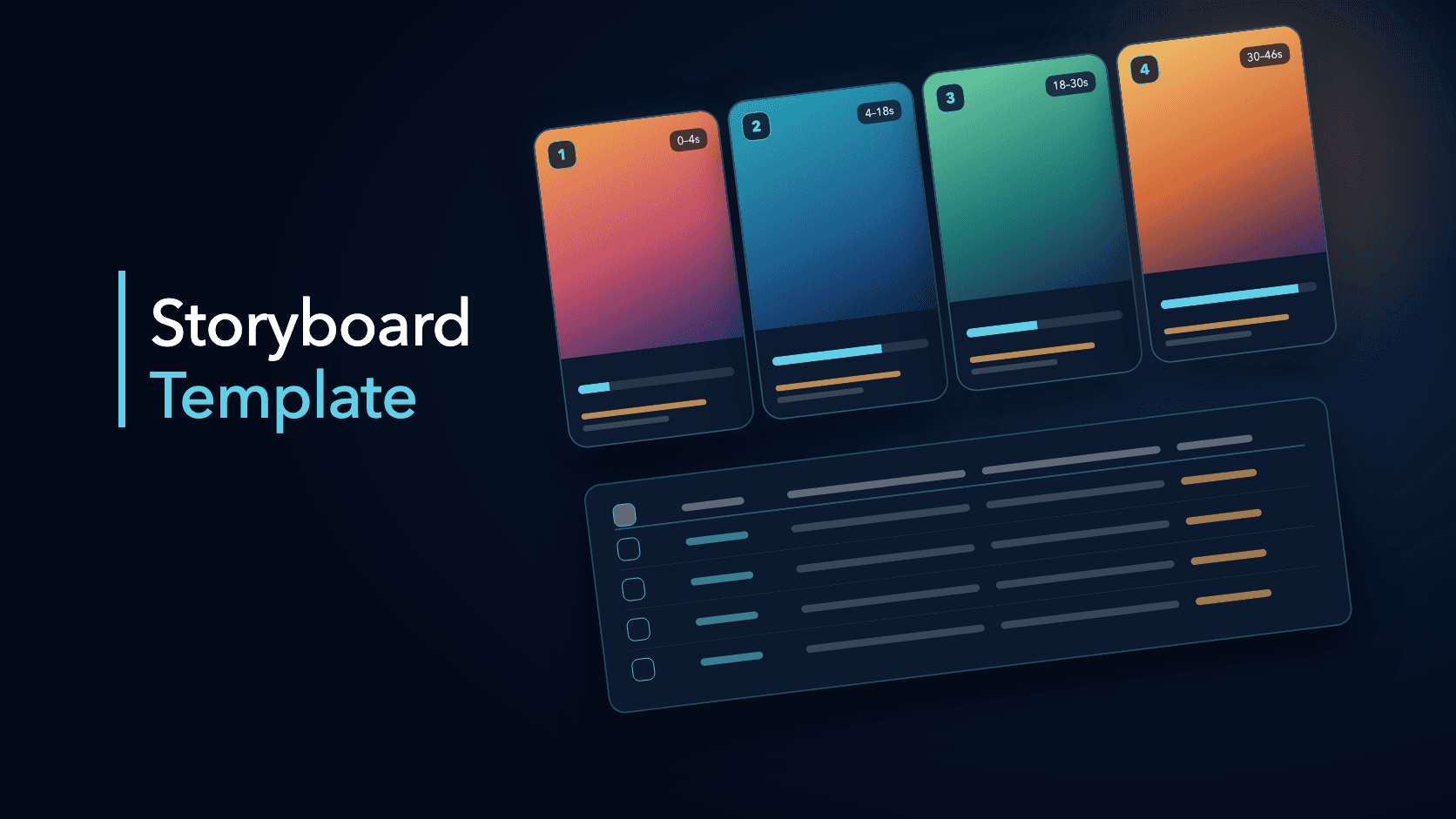
A video storyboard is a table that plans a video one shot at a time: what is said, what is shown, what text appears, and why that beat exists. For short-form video it is the fastest way to see whether a script has a clear opening, a payoff, and a next step before you film anything.
This page gives you a template you can copy, then fills it in with a worked example: a five-shot, 46-second product-demo Reel. The example is fictional. It was written to follow the structure ViralSnap typically surfaces when it breaks a product-demo Reel into shots (a hook, several proof shots, and a CTA). It is not a real creator's video, and it does not reflect any real account's results.
The storyboard template
Use one row per shot. A shot is a continuous visual segment, not necessarily a camera cut.
| Column | What to write | Why it matters |
|---|---|---|
| Shot # | Order of the shot | Keeps the sequence visible |
| Time | Start and end in seconds | Shows pacing and where the payoff lands |
| Voiceover | The spoken line, or a short summary of it | Shows the promise and the script rhythm |
| Visual | What the viewer sees: camera, screen recording, b-roll, product | Shows what is demonstrated versus said |
| On-screen text | Any captions or overlays | Shows what still works with the sound off |
| Job | One word: hook, proof, step, payoff, CTA | Forces every shot to earn its place |
Two rules make the template work. Give every shot exactly one job. And write the job column last, after you have filled in the rest, so it reflects what the shot actually does.
A worked example: a five-shot product-demo Reel (fictional)
Illustrative example, not a real Reel. Imagine a creator who runs a small online shop and films a 46-second Reel about the three apps they would use to start a one-person shop from scratch, showing each app's screen as they go. Its structure is a hook, three proof shots, and a CTA.
| # | Time | Voiceover (summary) | Visual | On-screen text | Job |
|---|---|---|---|---|---|
| 1 | 0s–4s | Creator states their experience and frames the video as "what I would use if I were starting a shop today" | Direct to camera, friendly and confident | A promise-style caption: start a shop from zero, start here | Hook |
| 2 | 4s–18s | Names the first group of tools: store builder and product photos | Screen recordings of each app, overlays with the app name | App name plus a few words on what it is for | Proof |
| 3 | 18s–30s | Continues with payments and shipping labels | Split-screen dashboards, a payment confirmation pop-up | Labels grouped by category | Proof |
| 4 | 30s–40s | Adds order tracking and customer email | Interface demo of the orders view, then an email template | Category labels for each app | Proof |
| 5 | 40s–46s | Closes with a platform note and a friendly sign-off | Back to the creator on camera | An invitation to share your own setup in the comments | CTA |
What a storyboard shows that a transcript would not
- The promise lands in the first four seconds. The hook is a specific outcome plus a reason to trust the speaker, not a generic greeting.
- The middle is a list, and the list is visual. Shots 2 to 4 all do the same job (proof), but each one changes the visual: single screens, split screens, interface demos. The format stays repetitive while the picture keeps changing.
- Text carries the structure. Every proof shot has labels naming the app and its category, so a viewer watching without sound still gets the list.
- The CTA is a question, not a command. The last shot invites viewers to share their own choices.
A review of a storyboard like this might also flag where it could improve, such as less dead space between scenes or a clearer final action. Treat that kind of note as a hypothesis to test, not a verdict. ViralSnap's analysis is AI-generated and approximate, and a public Reel does not reveal the creator's private performance data.
How to fill in your own storyboard
- Write the promise first. One sentence the viewer should understand in the first four seconds. This becomes shot 1.
- List the proof you can actually show. Screen recordings, product shots, steps, results. If you cannot show it, cut it.
- Assign one job per shot. If a shot has two jobs, split it. If it has none, delete it.
- Set time windows. Short-form shots often run a few seconds to ten seconds. Mark any shot that runs long and ask whether the visual changes enough to justify it.
- Write on-screen text for the sound-off viewer. If the text alone does not tell the story, the storyboard is missing a beat.
- Choose one specific next step. A question to answer, a thing to save, or a link to visit.
Build a storyboard from an existing Reel
Reverse-engineering a storyboard from a Reel you admire is the quickest way to learn the template. Watch once for the promise, once for the shots, and once for the text. Fill in the table, then compare the job column to see how the structure is built.
You can do that by hand, or paste a supported public Instagram Reel into ViralSnap to get a shot table with voiceover, visuals, and on-screen text, plus a structure and score breakdown. If the Reel is spoken, an Instagram Reel transcript tool gives you the words to start from. For classifying the opening move, use the Instagram Reel Hook Taxonomy.
When you write your own version, keep the structure and change everything else: your wording, your footage, your examples, and your product. Do not copy another creator's script or visuals. See Viral Reels for how to turn observed patterns into an original experiment.
Frequently asked questions
What is a video storyboard template?
It is a reusable table for planning a video shot by shot, usually with columns for shot number, timing, voiceover, visual, and on-screen text. It lets you review the whole sequence before filming.
How many shots should a short video have?
There is no fixed number. The worked example above uses five shots across about 46 seconds. Start from the jobs you need (hook, proof, CTA) and add shots only when a new job requires one.
Is a storyboard the same as a shot list?
They overlap. A shot list focuses on production details such as camera and location. A storyboard also records the spoken line, the text on screen, and the purpose of each shot, so it works as both a planning and a review tool.
Can I use a storyboard from another creator's Reel?
Use it to understand structure, then write an original version. Do not reuse another creator's wording, footage, or music without the rights to do so.